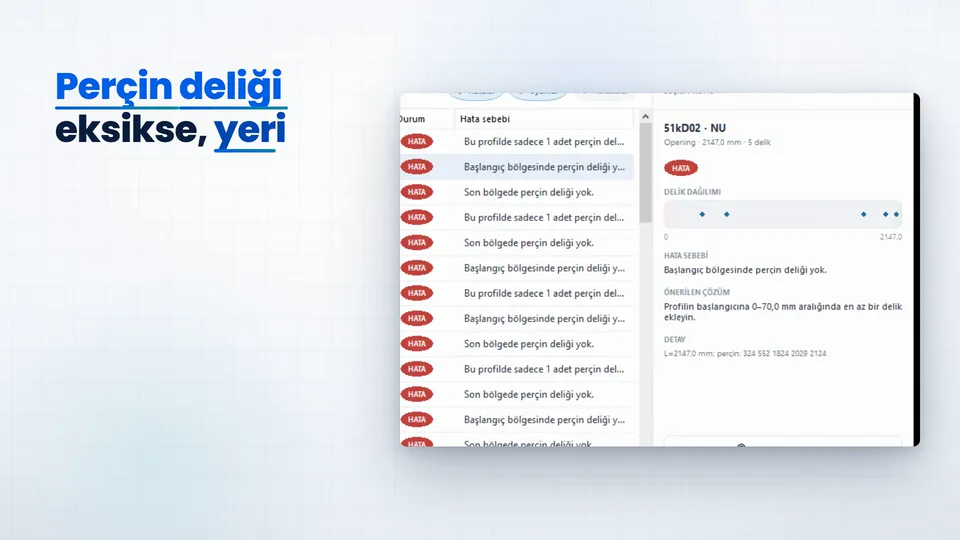
Every profile is checked
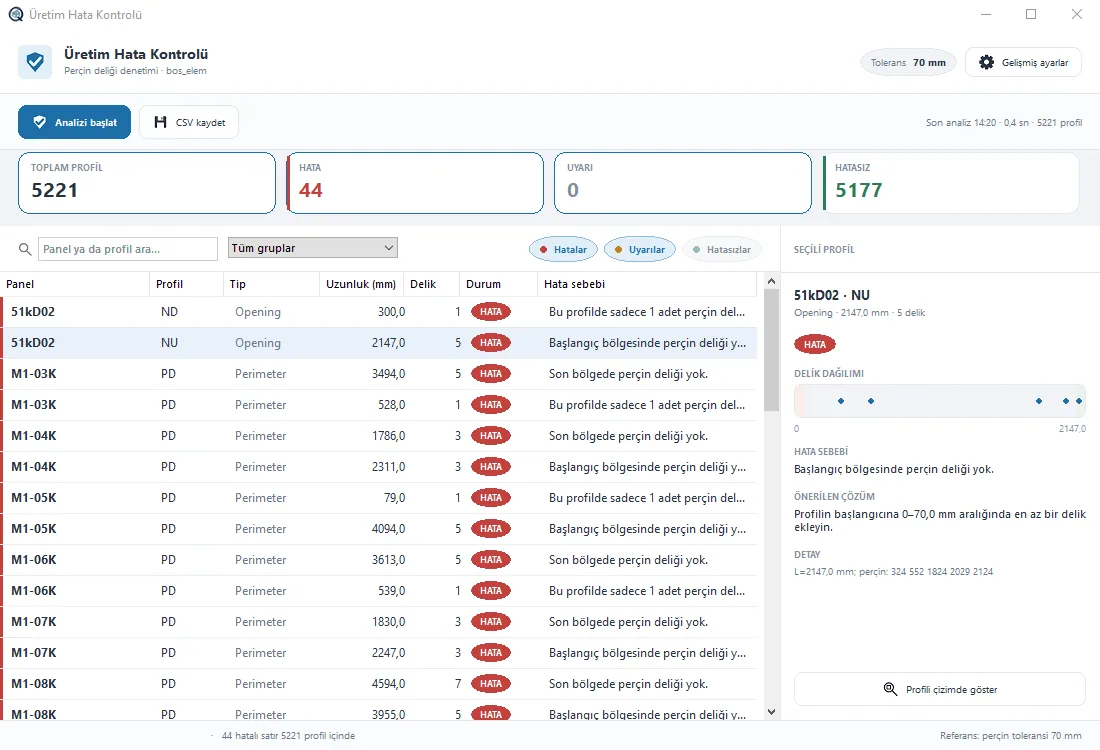
If a rivet hole is missing, its place and the fix are in front of you. Narration in Turkish.
QSteelCAD writes each profile with its length and operation positions, in millimetres from the profile start. The file passes an error check before it reaches the machine.
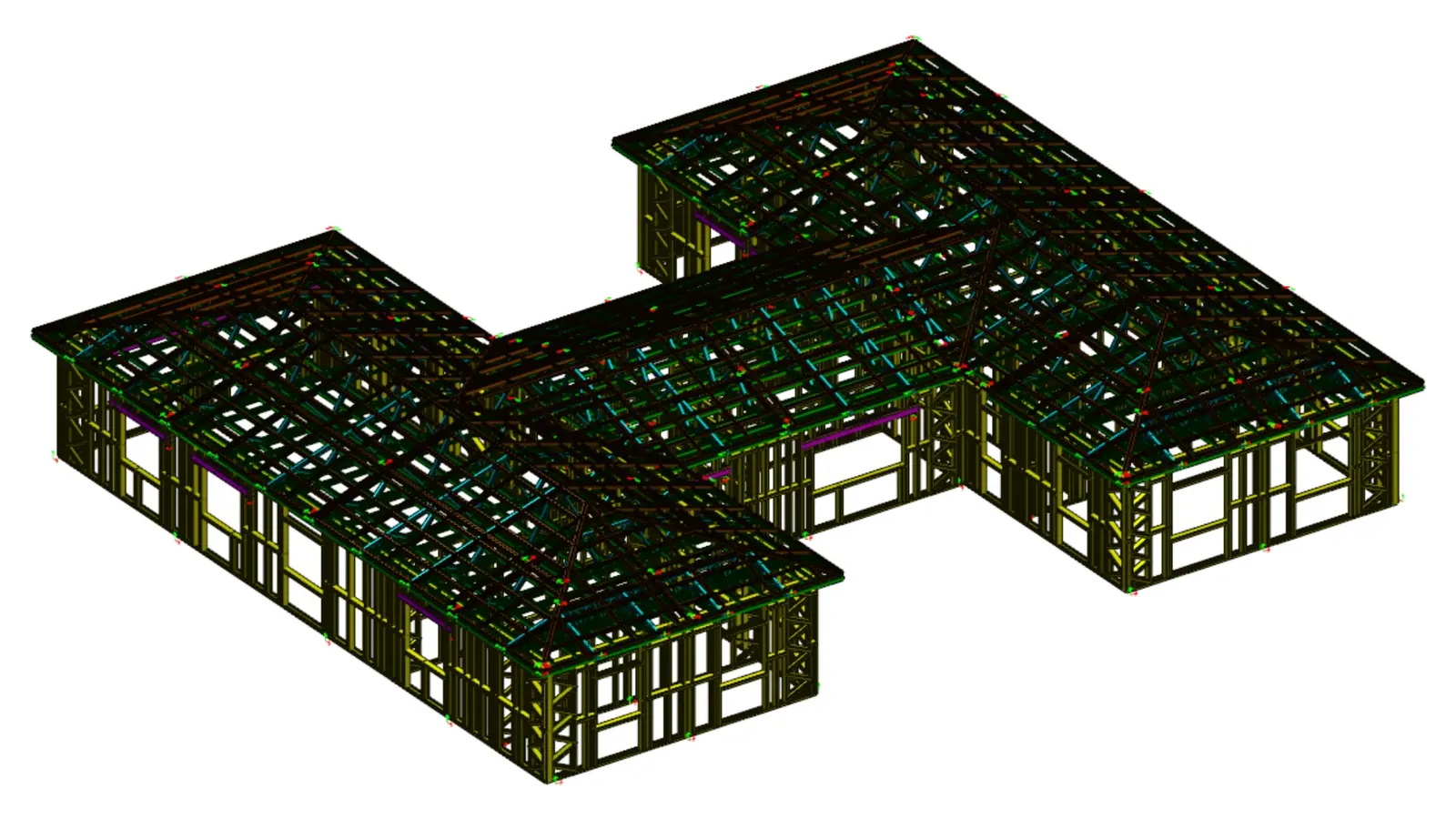
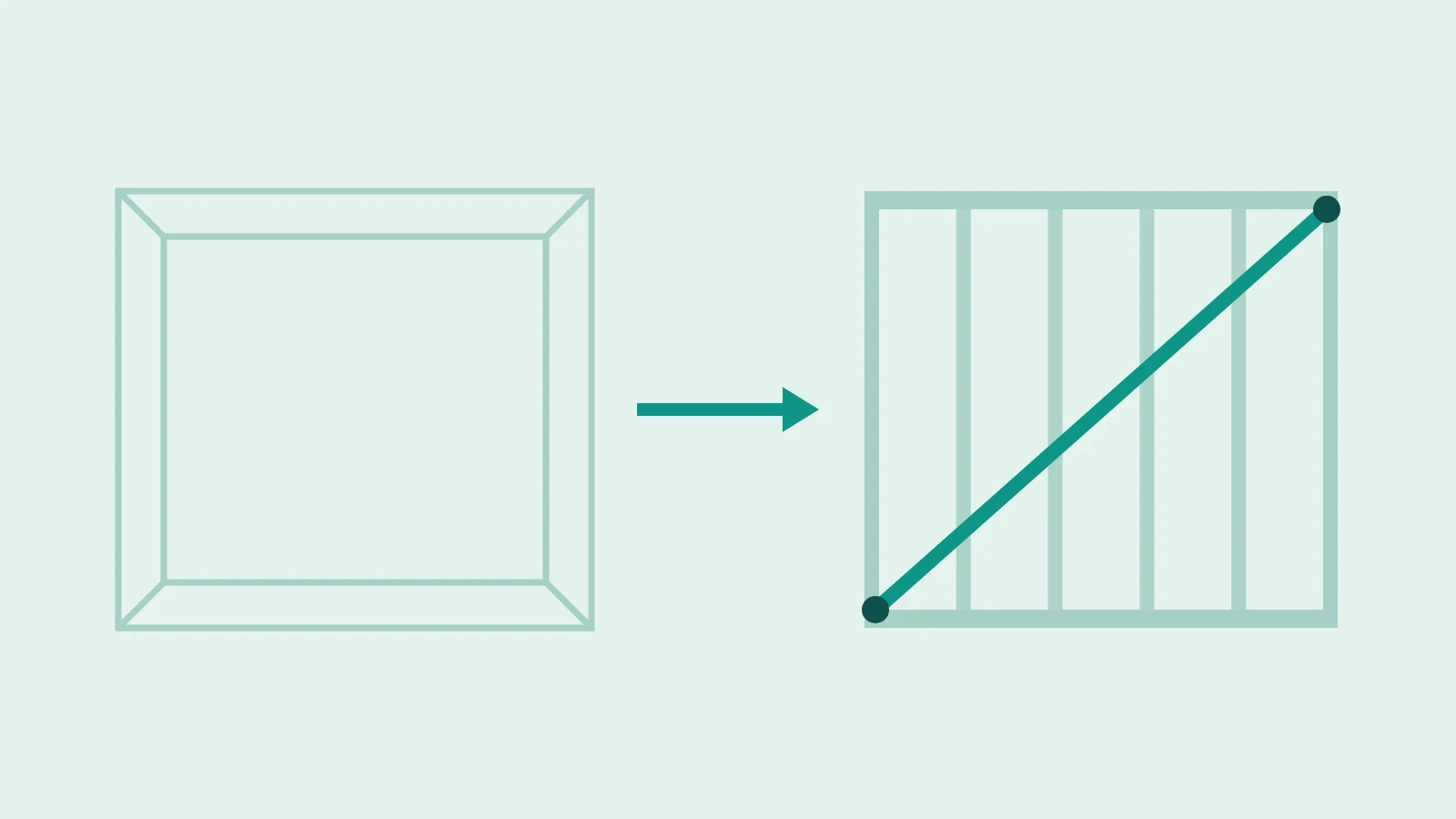
BDE export on the OUTPUT tab turns the profiles in the model into lines the rollforming line reads: the whole project, or only walls, roof, trusses, headers or selected members. Each line holds the profile length and operation positions in millimetres.
Rollform-80, 90, 140, 200 and 300 come ready. In each profile the H, F, N, S, S2 and S3 stations switch on or off individually.
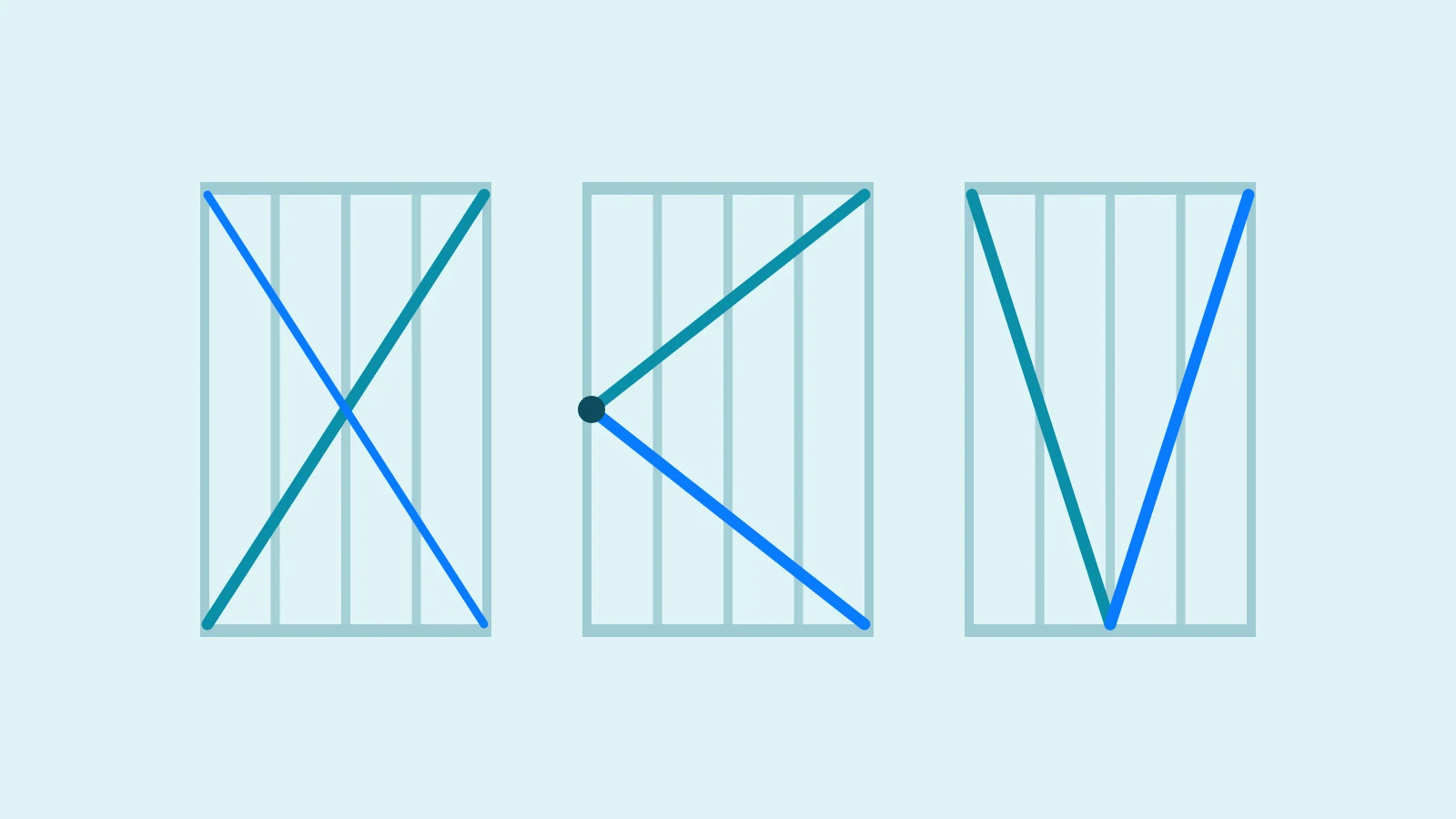
Add holes and notches with assign by point or by ray; rivets, service holes, notches, flattening and swaging can each be shown in the view.
Together with minimum length, clashes and model audit. A warning only appears if the file to be written has an error.
One .bde file and one CSV per section; operations the machine doesn't support are left out of the line.
A line from the reference file Kontrol_Uretim.bde shipped with the installer
59iC07 RR 2584 h: 7 225 1445 2577 f: 229 1449 n: s: l: w: 30 2554
Need more information?
Talk us through your machine profile and stations in a meeting; we'll look at your own file.
If a rivet hole is missing, its place and the fix are in front of you. Narration in Turkish.
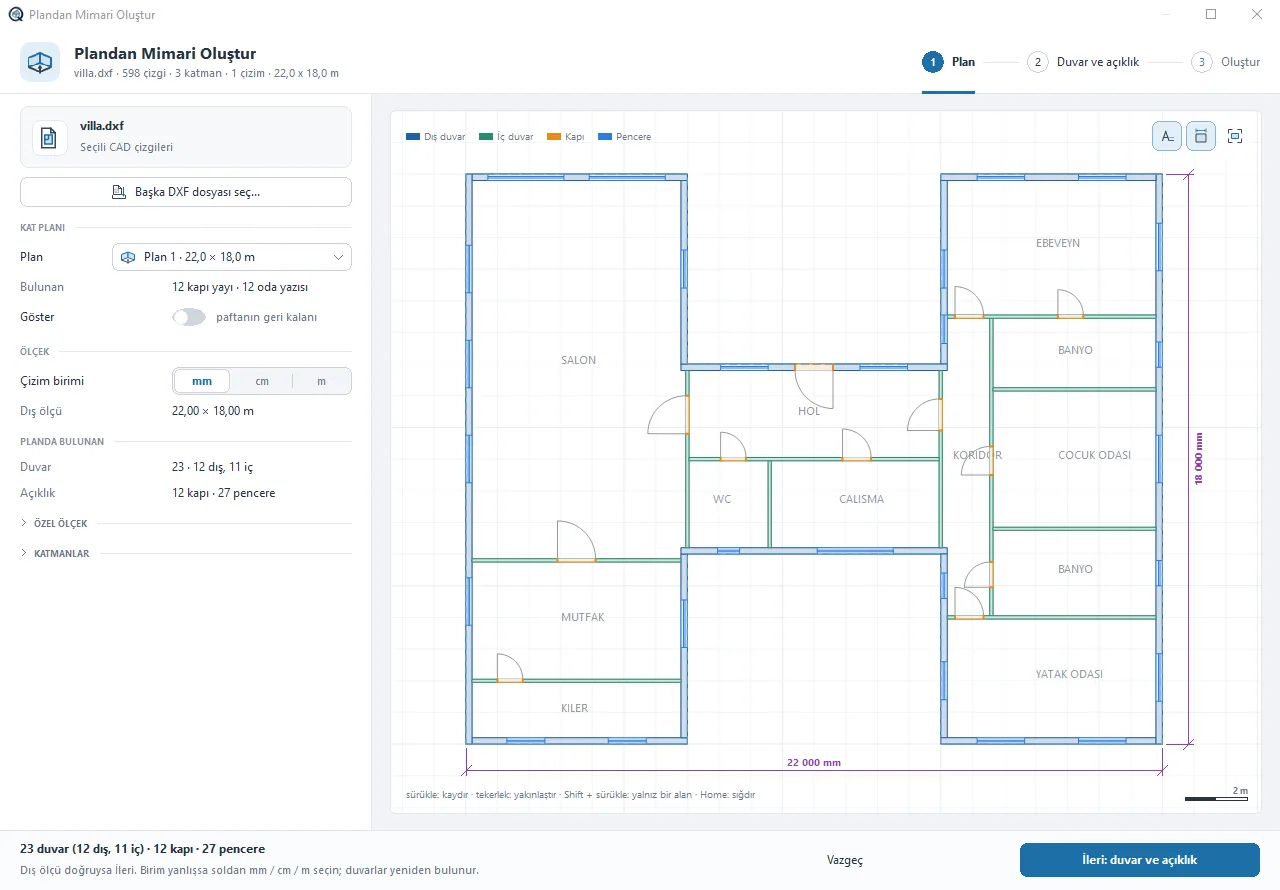
Walls, doors and windows in a DXF plan are recognised; in three steps wall panels are built with studs, lintels and bracing.
View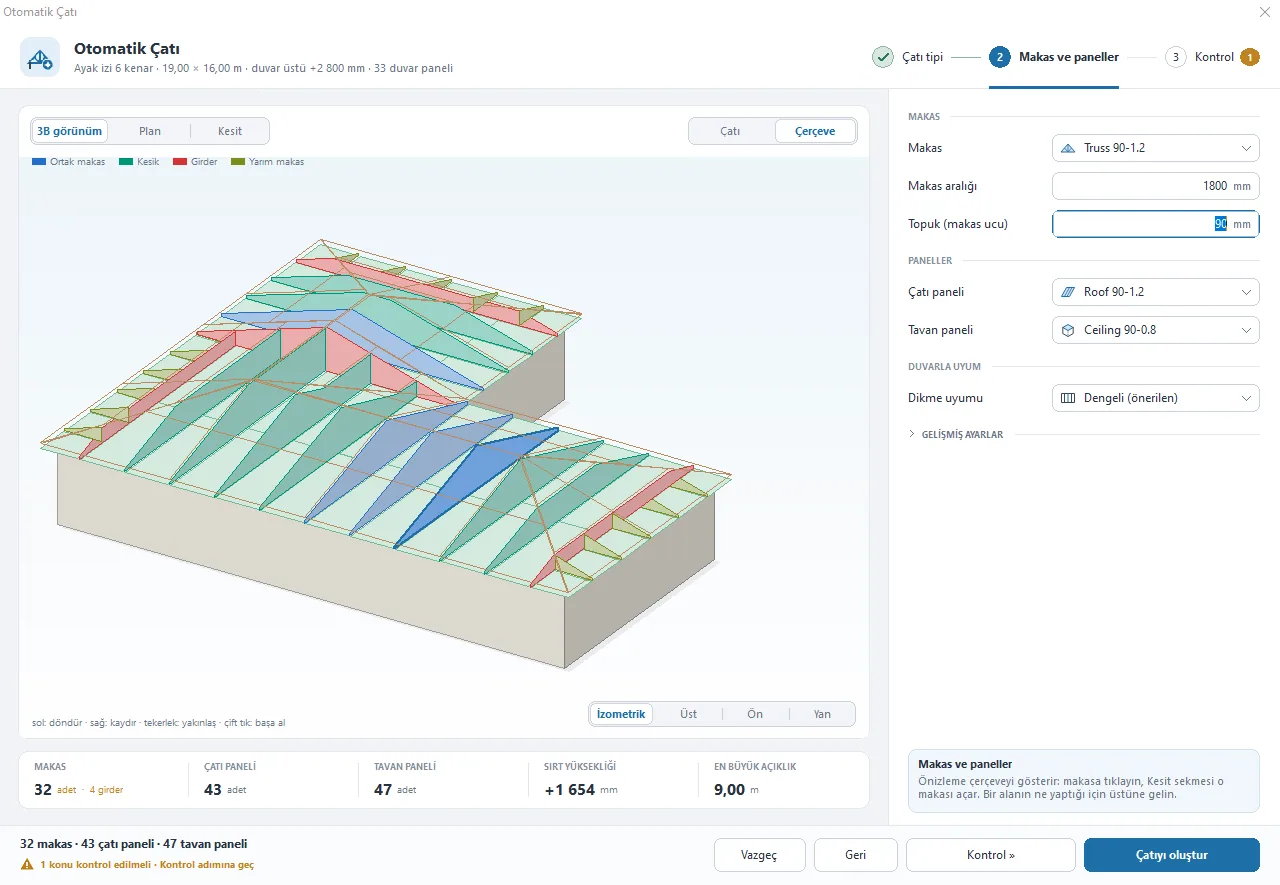
Builds hip, gable or mixed roofs with trusses, ceiling and roof panels in one window.
View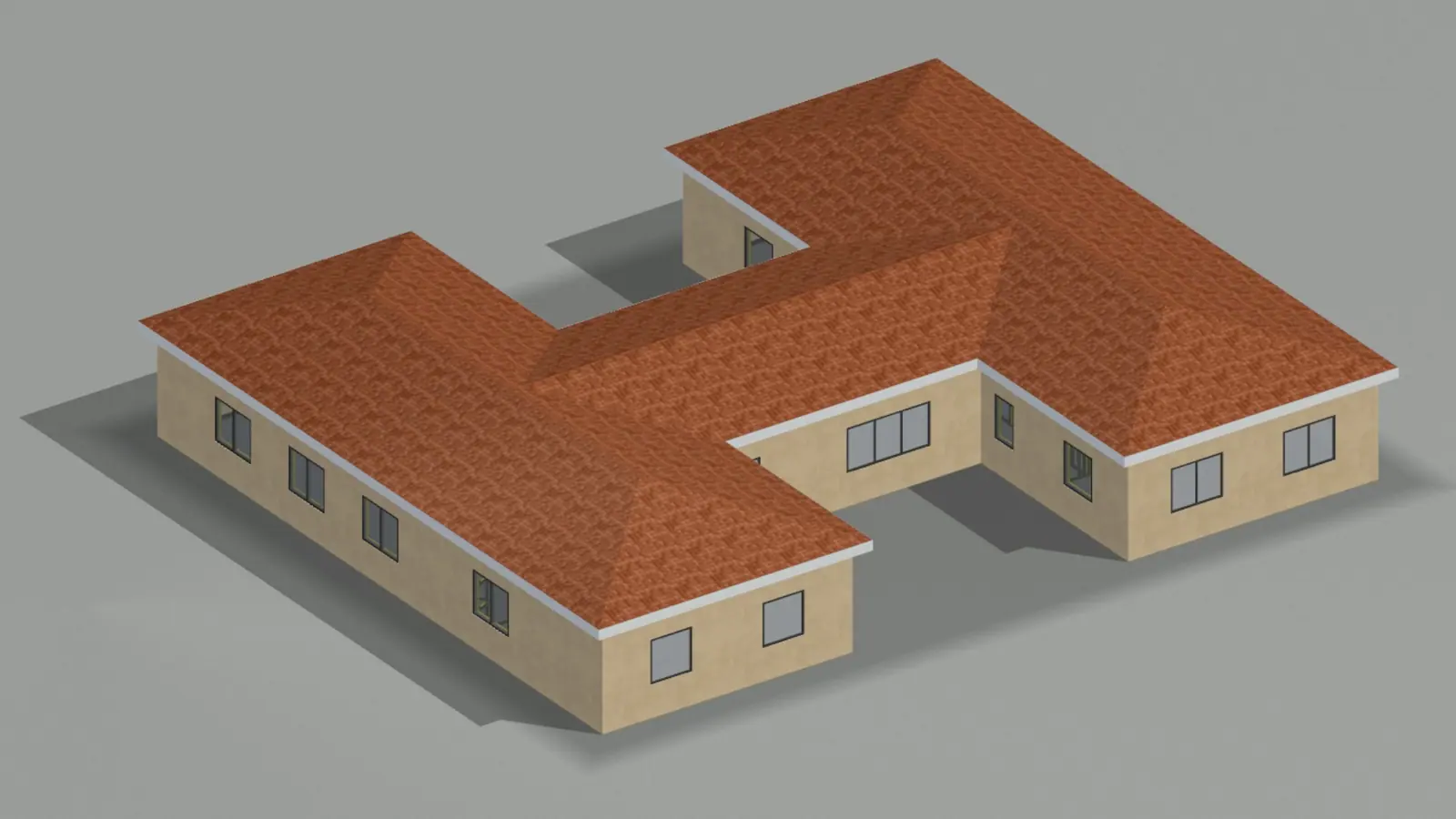
Renders with cladding, rooms and furniture; quantities, cost, rivet and screw counts from the same model.
ViewArticles on this topic and definitions of the terms it uses.
What people ask us most about the program.

Write to us or send an email and we'll get back to you.
All contact channelsh: rivet or screw hole, f: flattening, n: notch, s: and l: small and large service hole, w: swage. Positions are in millimetres from the profile start.
The program writes production files for rollforming lines that read .bde lines. Let's check your machine's line format together in a meeting.
The rivet / screw count on the CALCULATE tab counts positions without duplicates per profile; screws are twice the number of h: holes. The table pastes into Excel.