
Let your client see the building before it exists
Exterior and furnished interiors from the same model. Narration in Turkish.
The RENDER tab prepares presentations with cladding, roof cover, rooms and furniture; quantities and cost export as CSV.
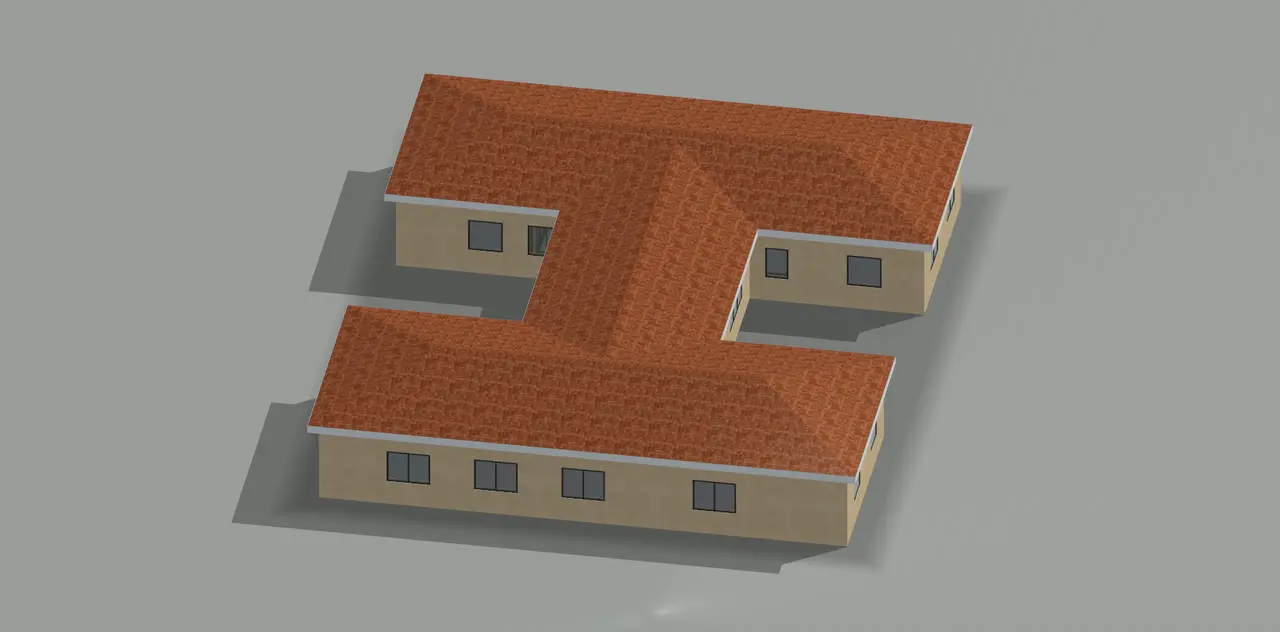
The same steel model becomes a presentation once cladding and materials are assigned. The program recognises rooms; assign a room type and furniture is placed by rule. Quantities use net area, waste rate and unit price; where a material has no price, the program does not invent one and shows “enter price”.
Facade and roof cover with textured materials; the roof cover comes from Automatic roof.
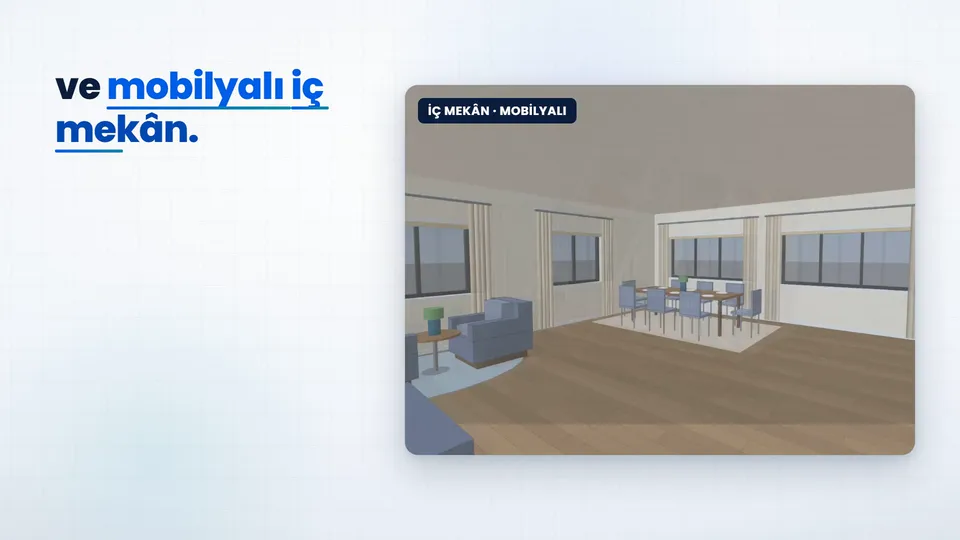
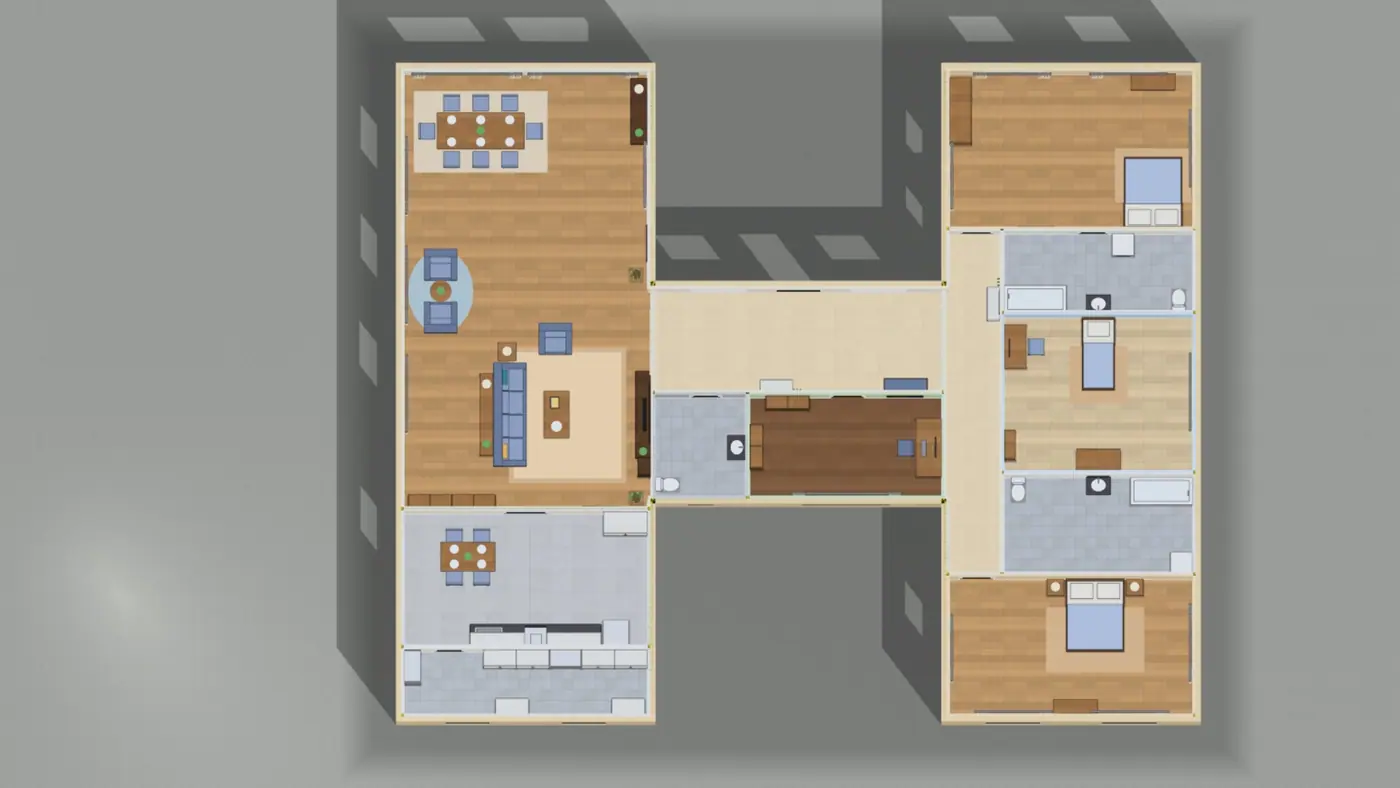
Living, bedroom, child, study, kitchen, bath, WC, hall, pantry. Furniture is placed by rule: TV opposite the sofa, rug under the bed.
Walk through the interior with the walk-in camera; save images at 4x resolution.
Net m², waste (2% by default), unit price and total; saved as CSV.
Save As GLB or QSV; images as PNG, JPG or BMP.
Need more information?
We'll show you the presentation and quantities on the sample house or your own plan.
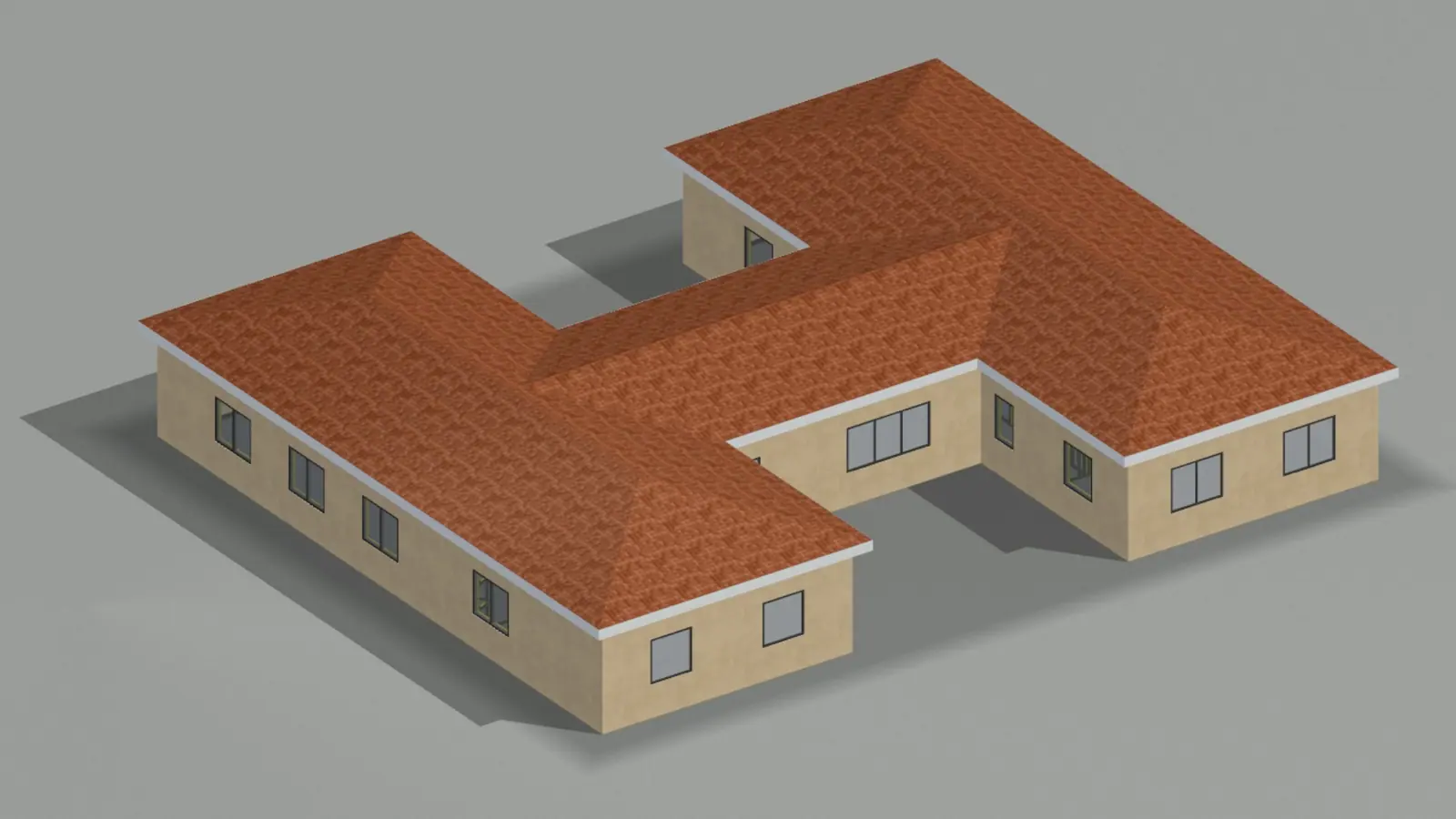
Exterior and furnished interiors from the same model. Narration in Turkish.
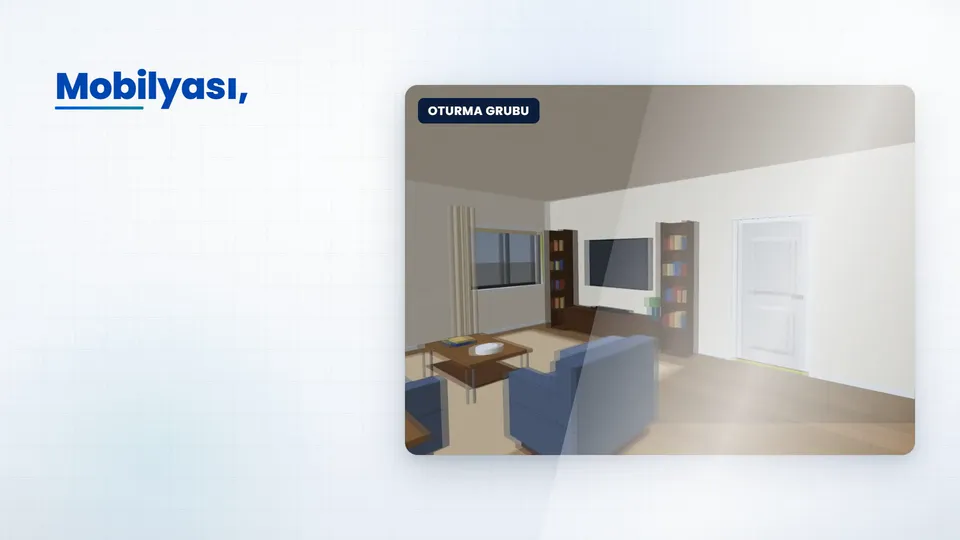
Walk through the house before it is built. Narration in Turkish.
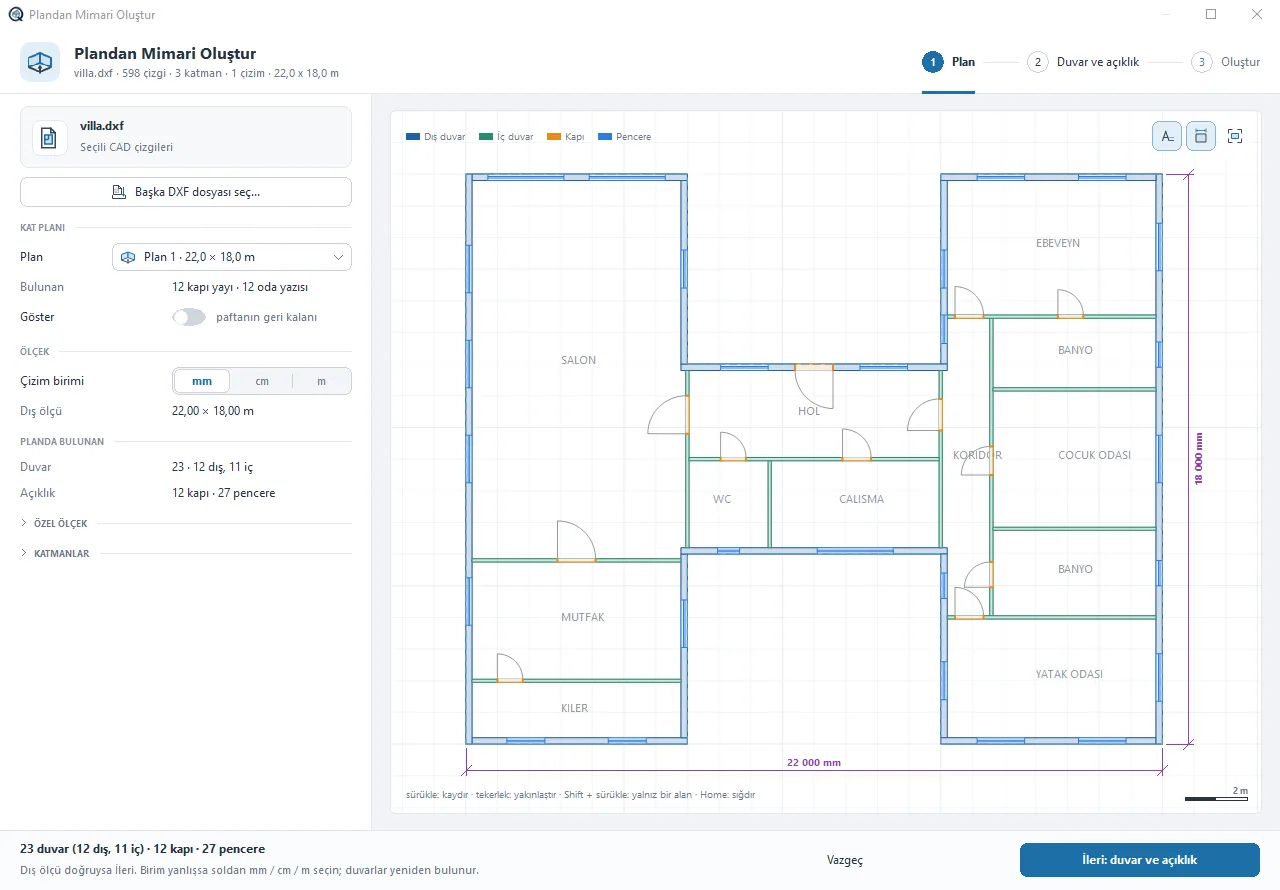
Walls, doors and windows in a DXF plan are recognised; in three steps wall panels are built with studs, lintels and bracing.
View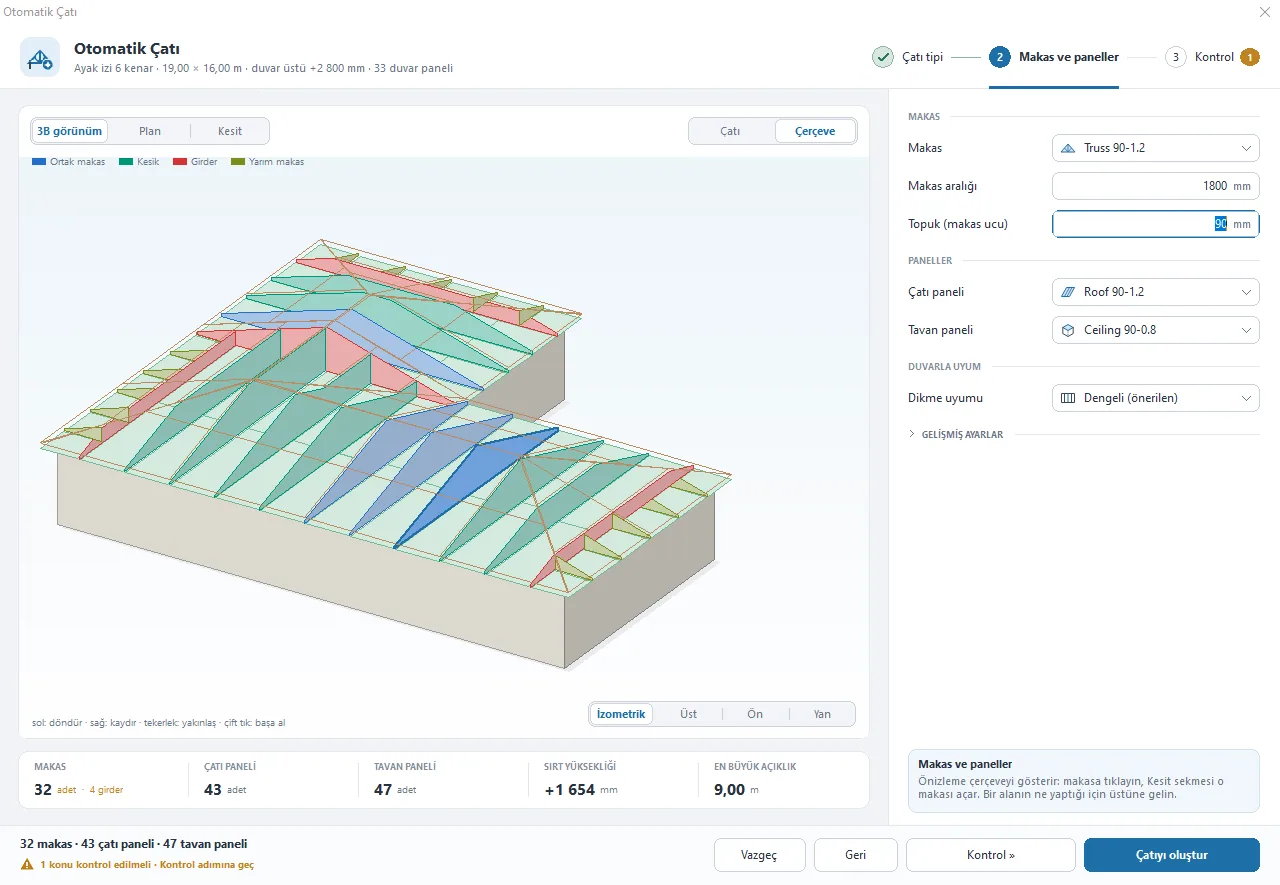
Builds hip, gable or mixed roofs with trusses, ceiling and roof panels in one window.
View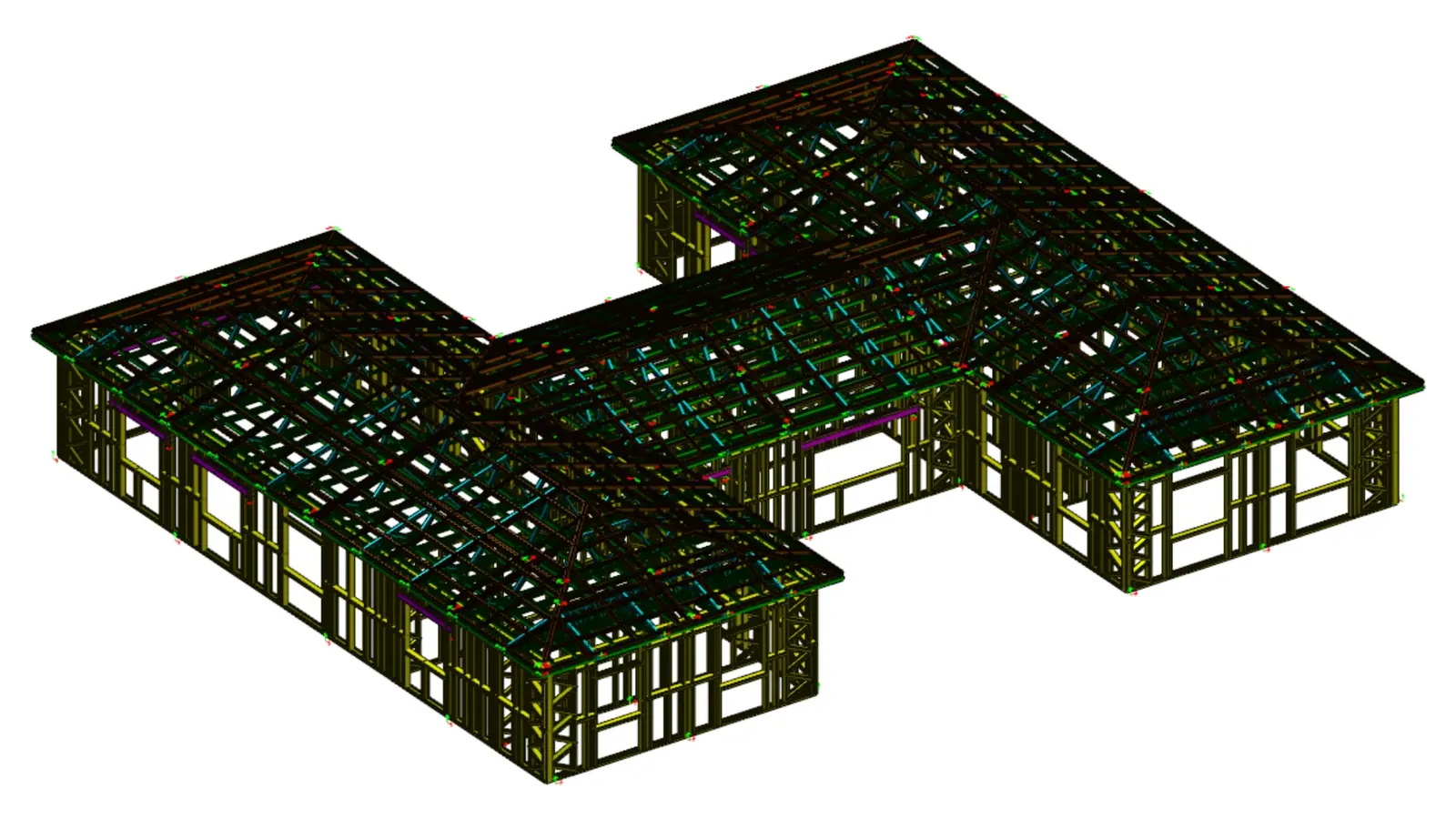
Every profile is written with its length, holes and notches to the .bde file your rollforming machine reads.
ViewArticles on this topic and definitions of the terms it uses.
What people ask us most about the program.

Write to us or send an email and we'll get back to you.
All contact channelsNo, the render comes from the same model on the RENDER tab. Save images as PNG, JPG or BMP.
You enter the unit prices. Where a material has no price, the program does not guess; it shows “enter price”.
By room type, with rules: the TV faces and lines up with the sofa, the rug goes under the bed, doorways and clearances stay free.